Is Google Maps a GIS? A Clear Answer
The short answer? No.
Google Maps is an excellent tool for navigation and everyday mapping, but it isn’t a fully fledged Geographic Information System. It helps you see the world, but it doesn’t give you the ability to analyse or model it in the way a true GIS does.
Before we go deeper, it helps to understand what GIS actually is and why professionals rely on it.
05 Mar 2026 | 4 min read
What GIS Actually Means
So, what exactly is a GIS?
A Geographic Information System is a computer-based platform designed to capture, store, manage, analyse, and visualise spatial data. It’s more than a map. It is a structured system that helps you understand how different pieces of information relate to each other across a location.
Think of GIS as a spatial database with analytical power behind it. Instead of simply showing where things are, it helps answer deeper questions such as why something is there, how it interacts with its surroundings, and what might happen if conditions change.
This analytical depth is what separates GIS from everyday mapping tools. Professionals use GIS to combine multiple datasets, test scenarios, and support decisions that rely on accurate spatial insight.
A full GIS platform is built for data creation, modelling, and management, not just viewing.
At firms like Eliot Sinclair, GIS plays a key role in infrastructure planning, land development, consenting, and environmental assessments. The level of analysis possible within a GIS far exceeds what tools like Google Maps or even Google Earth can offer.
Before we explore where the limitations lie, it’s important to recognise what Google Maps does exceptionally well.
What Google Maps Does Well
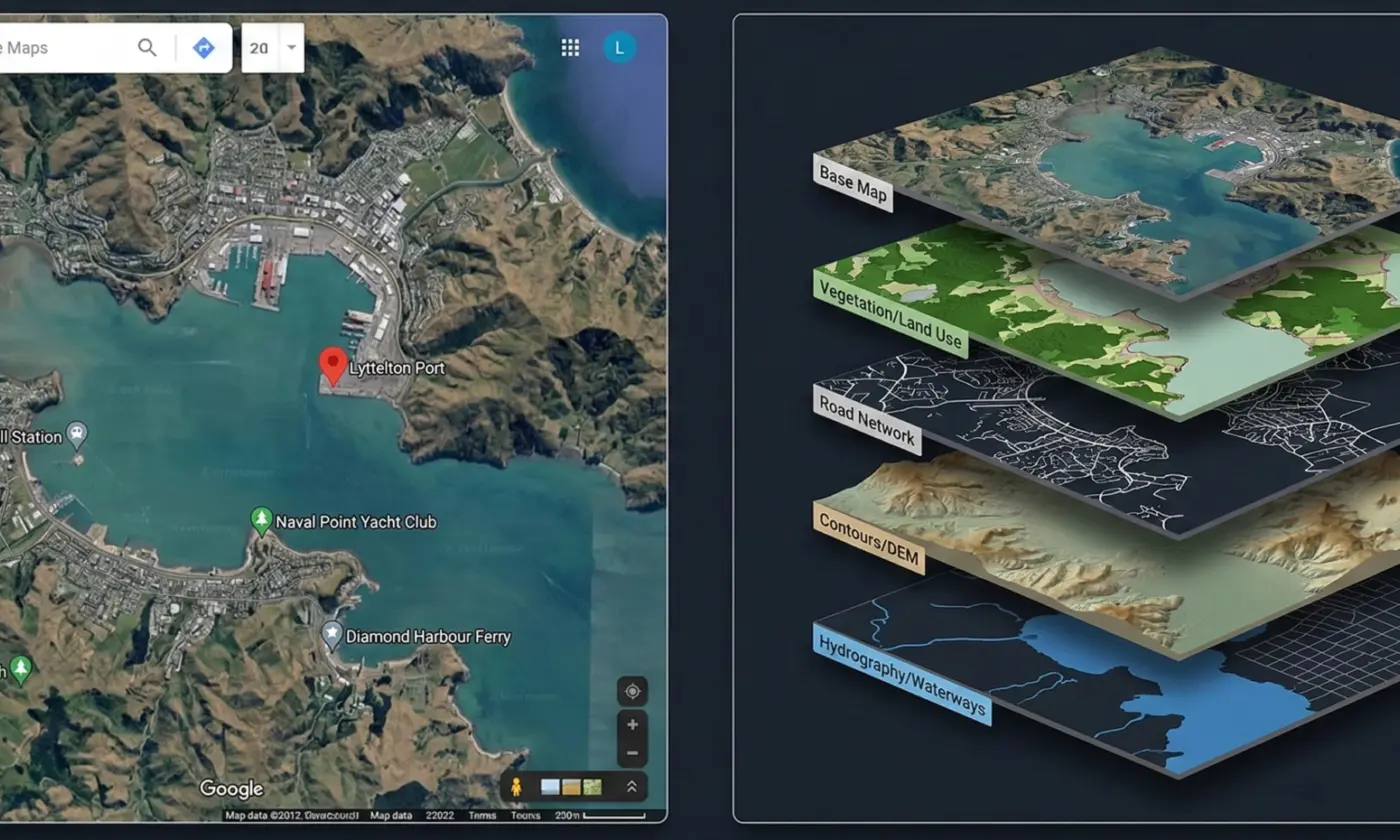
Google Maps is excellent for everyday mapping and navigation. It provides quick access to street maps, satellite imagery, business information, and travel directions, all through a simple and familiar interface.
For most general users, it’s an accessible way to find locations, check routes, and get a basic understanding of an area.
One of Google Maps’ strongest features is its search capability. Users can easily look up addresses, businesses, and points of interest, and the platform integrates seamlessly with other Google services.
Saving locations, sharing places with others, and viewing real-time information such as traffic or opening hours are all built-in conveniences that make it a widely used tool worldwide.
These strengths make Google Maps ideal for everyday use. However, its simplicity also reflects its limitations: it is designed for viewing and navigating, not for creating or analysing spatial data.
Where Google Maps Falls Short of GIS
Google Maps is designed for viewing information, not analysing it. While it’s excellent for navigation and quick reference, it doesn’t offer the depth or flexibility required for professional spatial work.
The main limitation is analytical capability. A GIS platform allows users to create data layers, measure spatial relationships, test scenarios, and run detailed analyses that support planning and engineering decisions. These tools simply aren’t available in Google Maps, which is built around pre-set data and basic visualisation.
GIS software also provides far greater control over data. Users can import survey information, maintain geodatabases, edit features, and integrate datasets from multiple sources. This level of interoperability is essential for urban planning, environmental assessments, consenting work, and infrastructure design.
Google Maps, by comparison, offers very limited options for managing or combining spatial datasets.
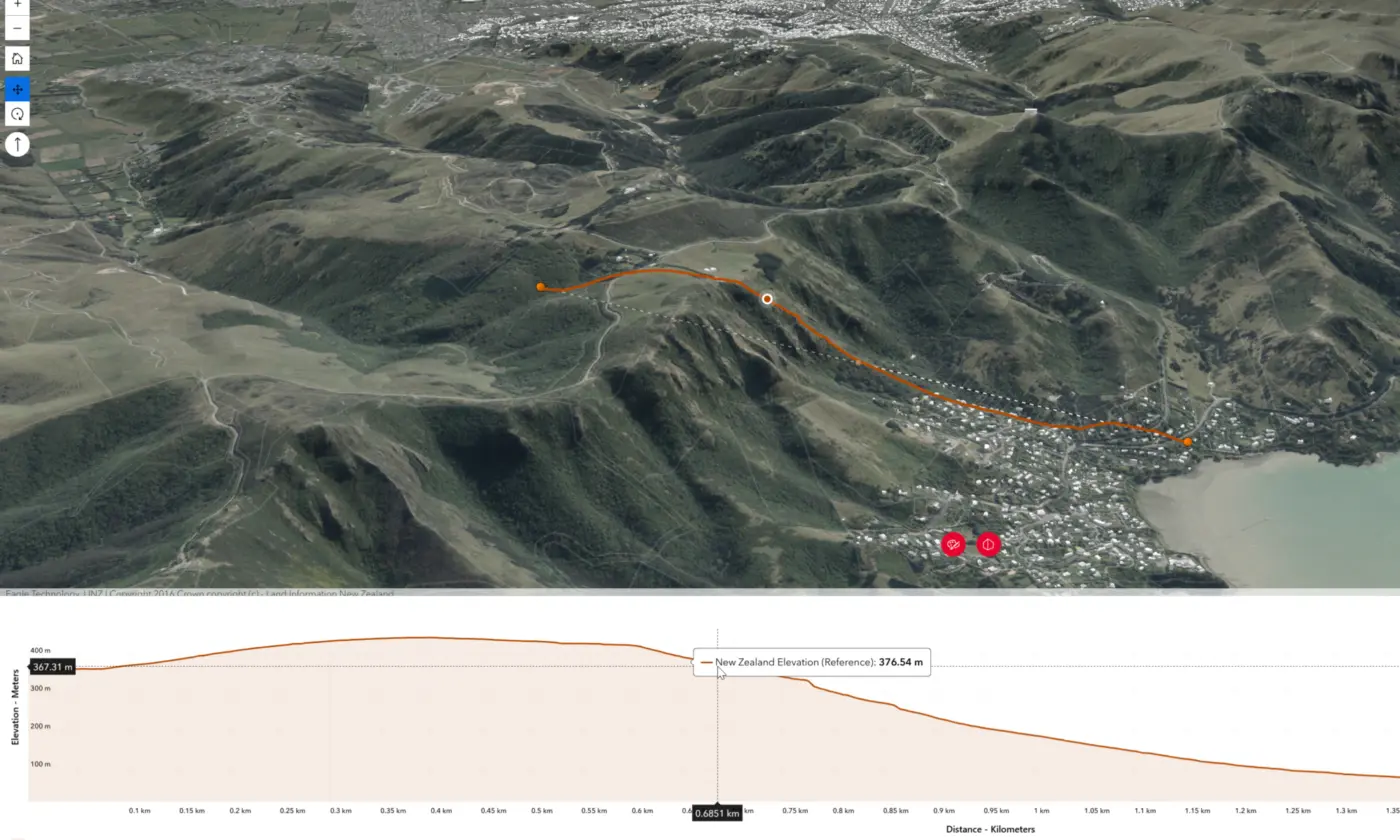
Google Earth and similar tools provide a more immersive view of terrain and imagery, but they still lack the data creation, editing, and analytical capability that define a true GIS.
For any workflow that depends on accuracy, custom data, or scenario testing, a dedicated GIS platform is required.
Google Maps vs GIS: When to Use Each
Choosing between Google Maps and a GIS platform comes down to the level of detail and analysis you need. Google Maps is ideal for everyday tasks such as finding a location, checking directions, or getting a quick sense of an area. It’s fast, convenient, and built for broad public use.
A GIS platform is required when decisions rely on accurate data, multiple information layers, or analytical depth. Tasks such as assessing development constraints, modelling infrastructure options, reviewing environmental effects, or integrating survey information all depend on capabilities that go far beyond simple map viewing.
In practice, many users will start with tools like Google Maps or Google Earth to familiarise themselves with a site. But once a project involves spatial data creation, editing, scenario testing, or integrating datasets from different sources, a full GIS becomes essential. It provides the structure and analytical power needed for planning, engineering, and land development work.
To understand why GIS matters in real-world projects, it helps to look at how professional firms use it day to day.
How Firms Like Eliot Sinclair Use GIS
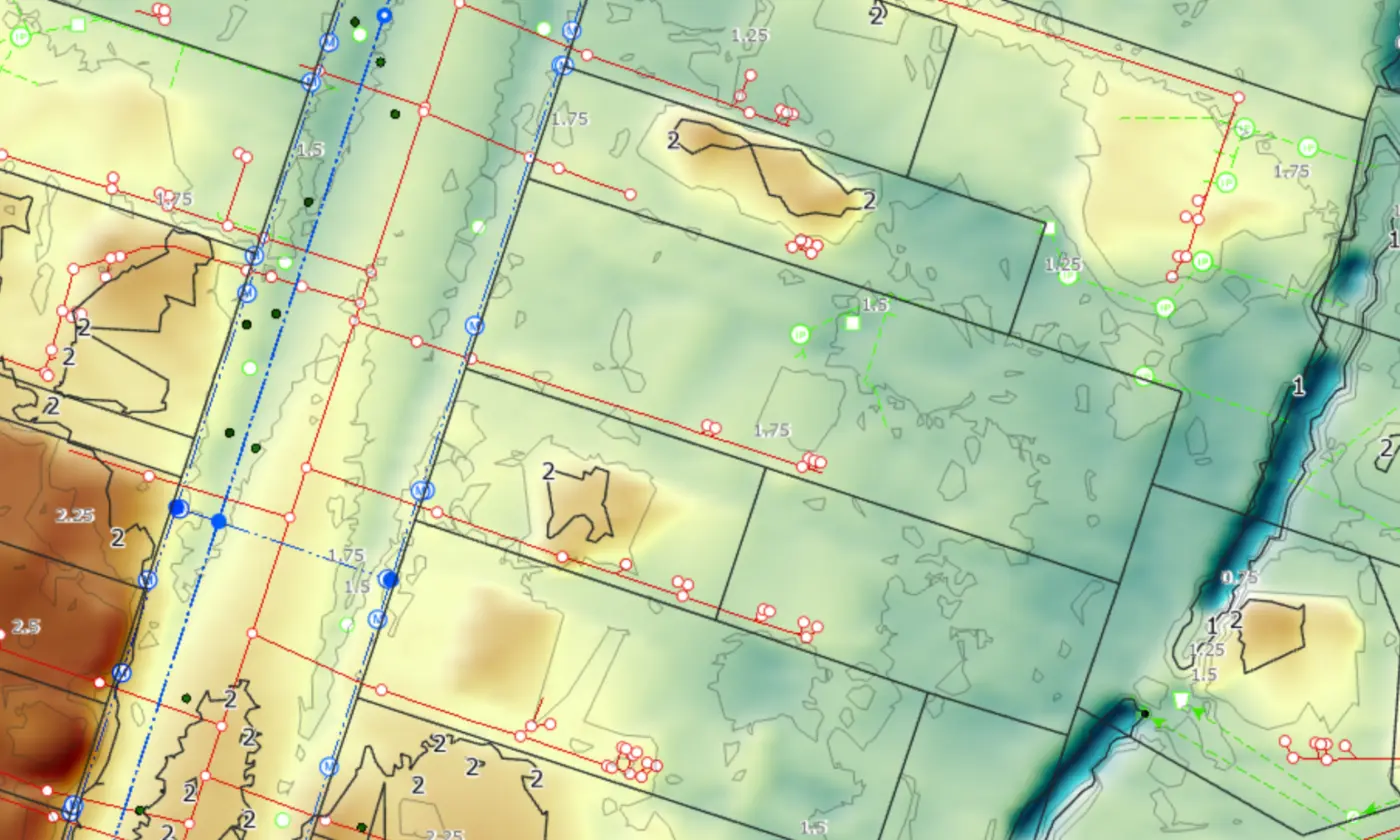
For firms working in engineering, surveying, planning, and land development, GIS is an essential part of the workflow. At Eliot Sinclair, GIS is used to bring together survey information, environmental data, planning constraints, and infrastructure networks in one place. This allows teams to understand a site in detail before design decisions are made.
In land development projects, GIS supports tasks such as assessing topography, reviewing environmental considerations, and testing layout options for roads and utilities. These analyses help ensure that designs are efficient, practical, and aligned with planning requirements.
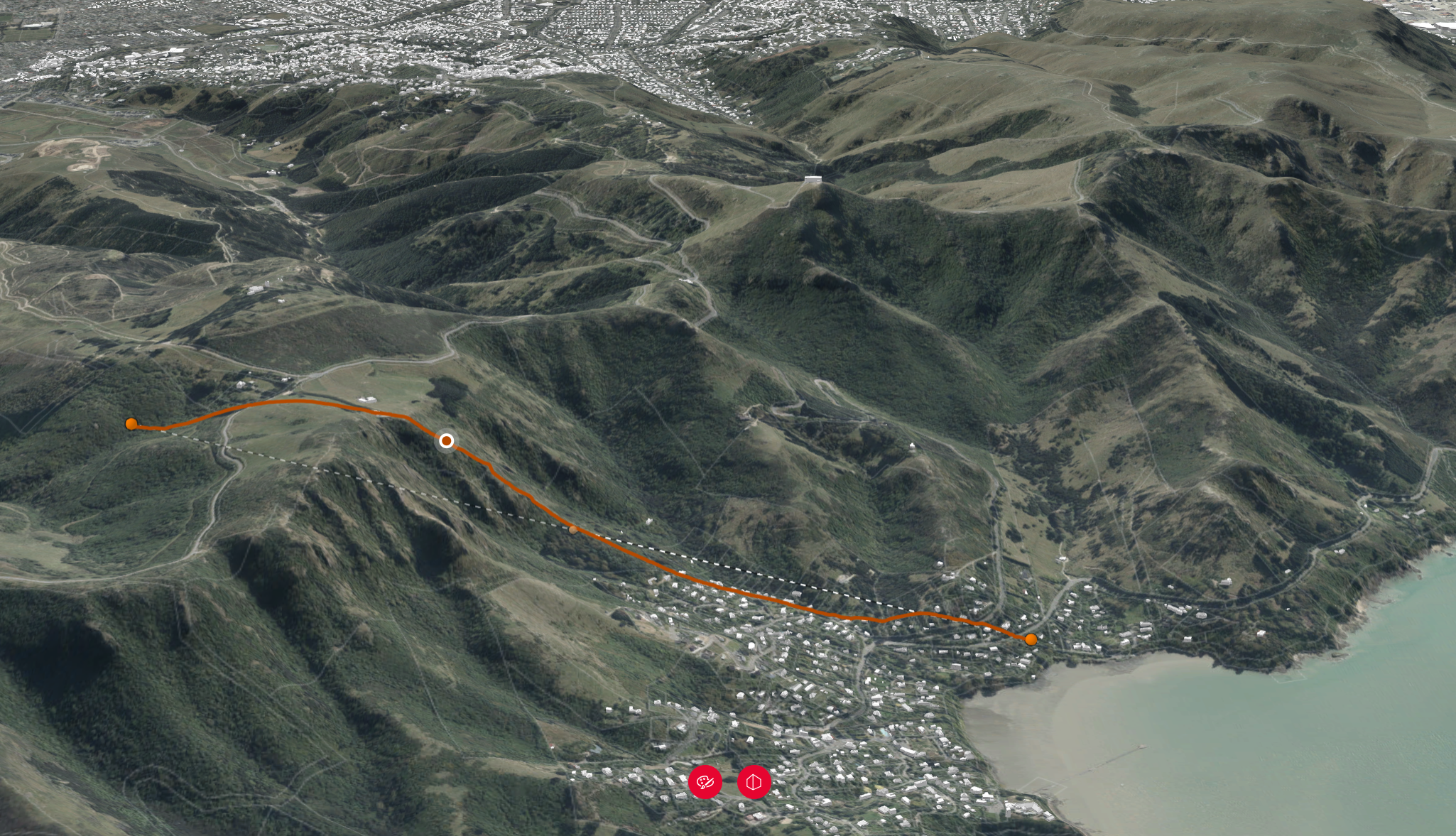
GIS is equally important for infrastructure work. It enables teams to map underground services, assess flood or slope hazards, and model how different design scenarios might affect a wider network. This level of spatial insight helps create safer and more resilient infrastructure solutions.
GIS also plays a role in planning and consenting. It allows technical information to be presented clearly to councils and stakeholders, ensuring that complex spatial data can be understood and assessed confidently.
Google Maps and similar tools can provide helpful context, but they do not offer the analytical depth or dataset control required for this level of work. A full GIS platform is essential for any project that depends on accurate spatial information and integrated analysis.
Key Takeaway
Google Maps is a powerful tool for everyday mapping, but it is not a GIS. A GIS platform is designed for creating, analysing, and managing spatial data with far greater detail and flexibility. Understanding the difference between the two helps ensure the right tool is used for the decision at hand.